
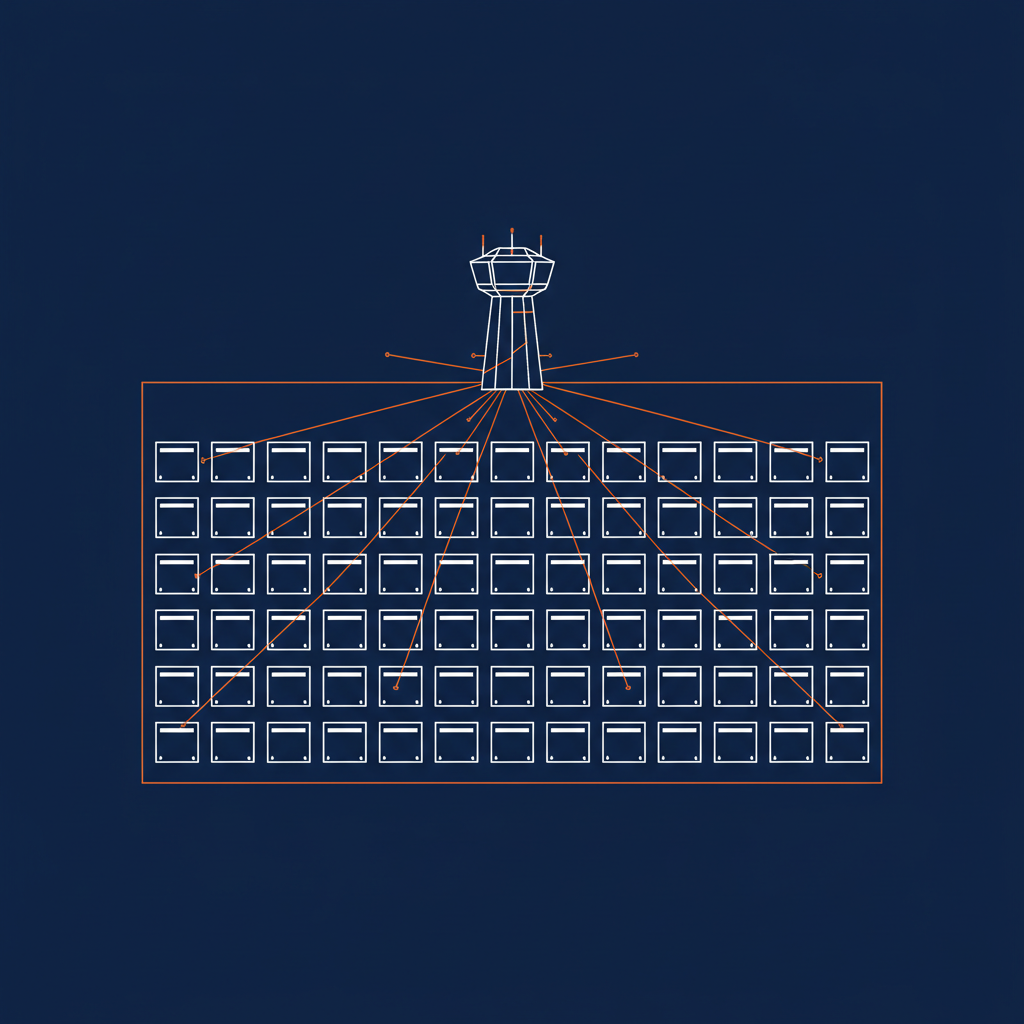
Today we are launching the alpha of Naftiko Framework and Naftiko Fleet. This is one of four posts going up to set the table for what that actually means and how to put Naftiko to work. This one is about Fleet — the layer that takes one running framework instance and turns it into a governed, discoverable, scaffolded inventory of capabilities. The other three cover the underlying capability specification, the framework engine and CLI that runs it, and a Hello World you can stand up in under a minute.
A framework gives you the ability to build one capability. A fleet gives you the ability to govern hundreds. That’s the gap Naftiko Fleet is designed to close.
The Naftiko Framework is an open-source engine that turns a YAML specification into a running integration. It’s powerful on its own. But the moment you have more than a handful of capabilities — and in any enterprise that moment comes fast — you need tooling around the framework. You need validation in your editor. You need scaffolding so teams start from a consistent baseline. You need a catalog so people can find what already exists before they build something new. You need governance that works at the fleet level, not just the file level.
That’s what Naftiko Fleet delivers. It launches alongside the framework’s v1.0 Alpha 1 release as a free Community Edition with two integrations already shipping and a roadmap that extends into Kubernetes-native operations, Backstage cataloging, and Docker Desktop tooling.
What Ships in the Community Edition
The Community Edition bundles the open-source Naftiko Framework with two free fleet-level tools: a VS Code extension and Backstage templates. Together, they cover the two most immediate needs when you start building capabilities at scale — editing them correctly and creating them consistently.
VS Code Extension: Validation Where You Write
The Naftiko extension for VS Code does two things, and it does them well. It validates the structure of your capability YAML files against the Naftiko JSON Schema, and it validates the rules against the Naftiko Spectral ruleset. Both run inline in the editor with diagnostics displayed in the Problems panel, giving you immediate feedback as you write.
This matters more than it might sound. A capability file is a declarative specification — every field, every namespace, every operation has to conform to the schema or the engine won’t interpret it correctly. Getting that feedback at edit time rather than at runtime eliminates an entire class of errors before they ever reach a Docker container.
The extension works with any file named .naftiko.yaml or .naftiko.yml. There’s a three-second delay on validation to keep things responsive, and you can force validation manually through a palette command. It’s also compatible with Cursor, Windsurf, and Kiro — so it meets teams where they already work.
The extension isn’t in the VS Code Marketplace yet. You install it manually by downloading the VSIX file from the Fleet GitHub releases and loading it through the Extensions panel. It’s a temporary friction that will disappear as the project matures, but the tooling itself is already production-quality for editing and linting.
Backstage Templates: Scaffolding With Git Bootstrapping
The second piece of the Community Edition is a set of Naftiko templates for Backstage, the CNCF’s developer portal. These templates let you scaffold a new capability through Backstage’s familiar create flow — name the capability, choose which adapter types to expose, point it at a GitHub repository, and Backstage handles the rest. It creates the repo, populates it with the capability skeleton, and registers the new service component in the Backstage catalog.
This is how you get consistency across a team of ten or a hundred developers building capabilities. Everyone starts from the same validated template. Every capability gets a Git repo, a catalog entry, and the right file structure from day one. No copy-paste from a wiki. No “I’ll set up the repo later.” The scaffolding is the workflow.
The Backstage integration runs locally via Docker Compose with a pre-configured image that includes PostgreSQL and the Naftiko templates out of the box. You need a GitHub token with repo permissions, and you’re running in minutes. It’s designed to be the starting point — something you can evaluate locally before integrating into your organization’s existing Backstage instance.
Why Fleet, Not Just Framework
The distinction between framework and fleet is architectural, not just branding. The framework is the engine — it interprets a capability spec and runs it. Fleet is the governed layer that sits above the engine and addresses what happens when you have many capabilities to manage.
Think of it this way: the framework solves the problem of “how do I turn this API into a capability.” Fleet solves the problem of “how do I manage all our capabilities as a coherent inventory.” Those are fundamentally different challenges, and they require different tooling.
The framework is open source under Apache 2.0 and always will be. Fleet is the product built on top of it, starting with a free Community Edition and expanding to Standard and Enterprise editions that add premium features for larger organizations. The framework gives you the engine; Fleet gives you the fleet management.
What’s Coming in Q2
The Alpha 1 release delivers the foundation — editing and scaffolding. The second alpha, targeted for May 11th, extends Fleet across all three integration points and adds a fourth.
VS Code gains the ability to set the Capability JSON Schema in the header of capability YAML files, an Agent Plugin that installs alongside the extension with the Naftiko Skills preset, and verified compatibility with Cursor, Windsurf, and Kiro.
Backstage gets an upgrade to Backstage 1.49.0 and BUI, the ability to scaffold capabilities from existing APIs with proper lineage, registration of exposed REST, MCP, and SKILL endpoints into the catalog with lineage tracking, and documentation for customizing an existing Backstage instance to add Naftiko support.
Kubernetes enters the picture with a Naftiko Operator and Capability CRD built with Kustomize, and Argo CD integration for continuous deployment. This is the piece that turns Fleet from a developer tool into an operational platform — capabilities managed as Kubernetes-native resources with declarative lifecycle management.
Core developer experience expands with CNOE for IDP building and enterprise-grade CNCF stacks, plus an MVP of Naftiko Shipyard to help developers and agents learn and create capabilities.
The Bigger Picture
Fleet is positioned at the intersection of two trends that are reshaping enterprise software: the explosion of API integrations driven by SaaS and microservices growth, and the emergence of AI agents that need governed, discoverable capabilities to be effective.
The VS Code extension ensures that every capability file is valid before it runs. The Backstage templates ensure that every capability starts from a governed baseline. The upcoming Kubernetes operator ensures that capabilities run as first-class workloads with proper lifecycle management. Each layer adds governance without adding friction.
For enterprise teams managing hundreds of API integrations, Fleet offers a path from unmanaged sprawl to a governed capability inventory — without requiring a wholesale platform migration. You start with the VS Code extension to validate the capabilities you’re already building. You add Backstage templates when you want consistency across teams. You deploy the Kubernetes operator when you’re ready for production-grade operations.
That incremental adoption model is what makes Fleet practical. You don’t have to buy in all at once. You start where you are, and the fleet grows with you.
Fleet Community Edition is available now at github.com/naftiko/fleet.