There’s a quiet revolution happening in how developers write code, and it doesn’t look the way most people expected. It isn’t a flashy new editor or a plugin ecosystem. It’s a command line.
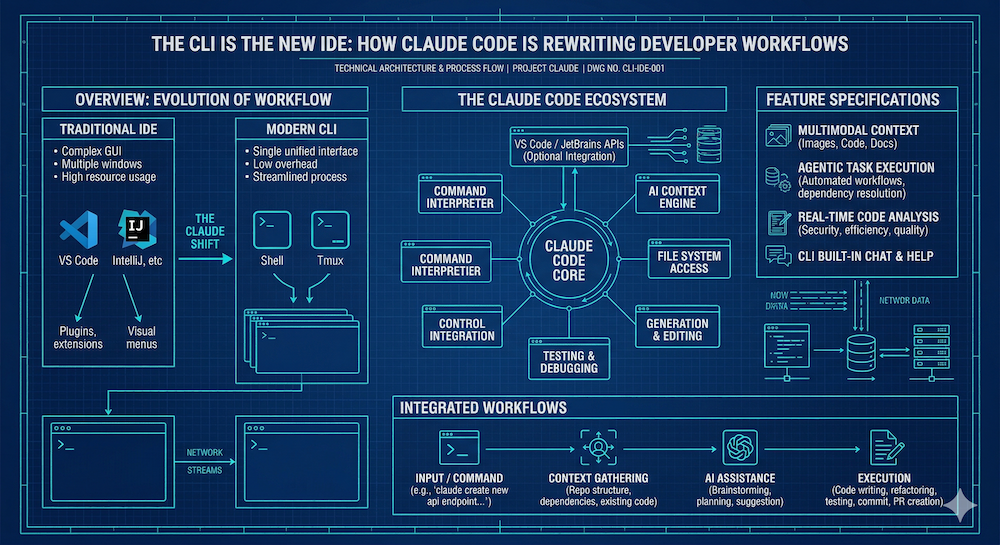
For decades, the Integrated Development Environment was the unquestioned center of the developer universe. IDEs gave us syntax highlighting, autocomplete, debugging panels, version control integrations, and a thousand extensions promising to make us more productive. The terminal was still there — always lurking — but for actual coding work, the IDE was king.
That may be changing.
An Unexpected Conversion
Across developer communities right now, a pattern keeps repeating itself. Developers who’ve spent years — sometimes decades — building their entire workflow around an IDE decide to try Claude Code as a CLI tool rather than a plugin. They expect to bounce back to their familiar setup within a day or two. They don’t.
The thing that surprises people isn’t that Claude Code is capable — they already knew that. It’s how quickly the terminal starts to feel like the right place to work. For developers who’ve lived in nix environments since the early days, that’s a particularly striking realization. The CLI was always familiar. But it wasn’t where you *coded. Now, for a growing number of people, it is.
What’s Actually Shifting
The shift isn’t really about the terminal vs. the IDE. It’s about where AI fits most naturally into the development workflow.
When AI assistance lives inside an IDE plugin, it’s bounded by the plugin’s context window, its integration points, and the assumptions baked into the editor’s model of what coding looks like. It answers questions, autocompletes lines, and occasionally suggests a refactor. Useful, but fundamentally additive to a workflow you already have.
Claude Code in the CLI is different in kind, not just degree. It has access to your full project context — files, structure, history, configuration — and it operates as a peer in the terminal environment rather than a sidebar assistant. You’re not asking it to help you write code. You’re collaborating on the whole problem, with a full view of the workspace.
One pattern that’s emerging among developers making this shift: maintaining a CLAUDE.md file in the root of each project — a plain-text document that gives the model persistent context about what the project is, how it’s structured, and how it should behave. That’s not how you use a plugin. That’s how you work with a collaborator.
The API Angle
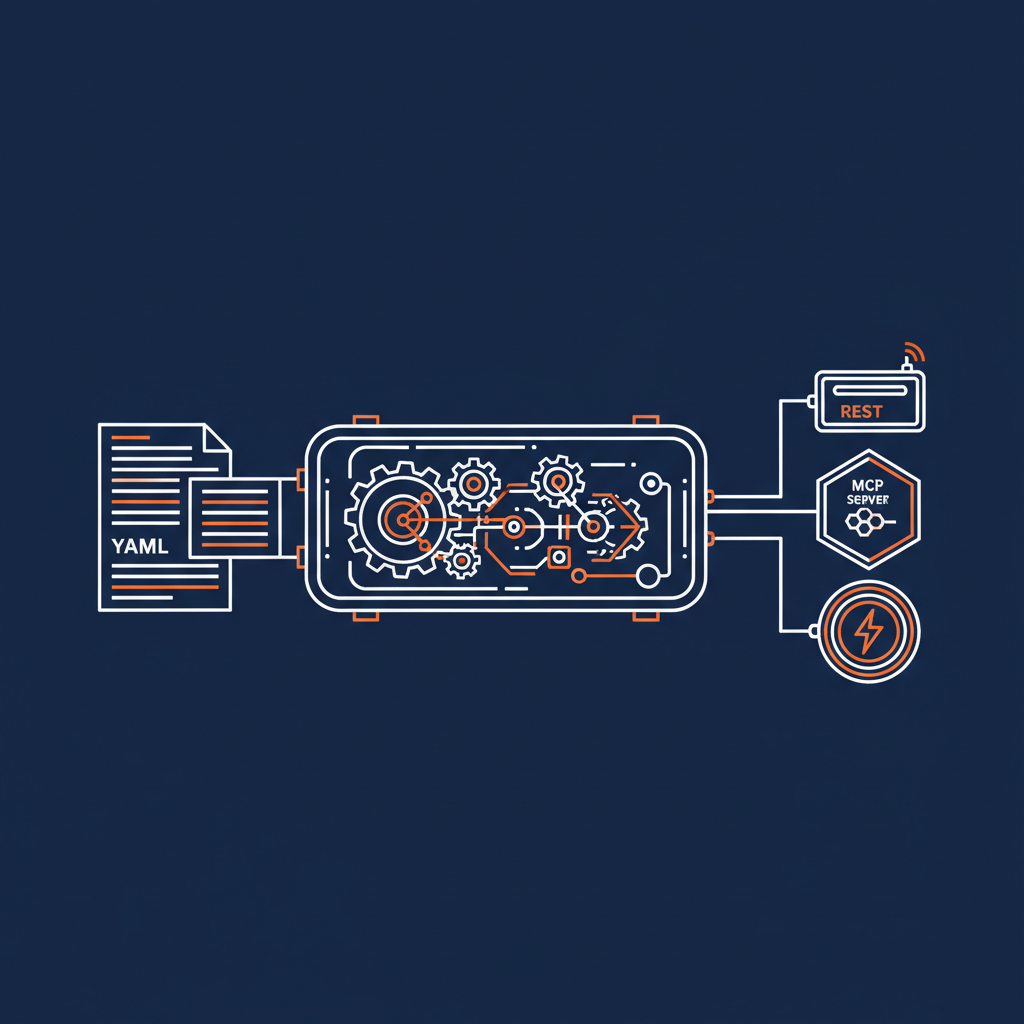
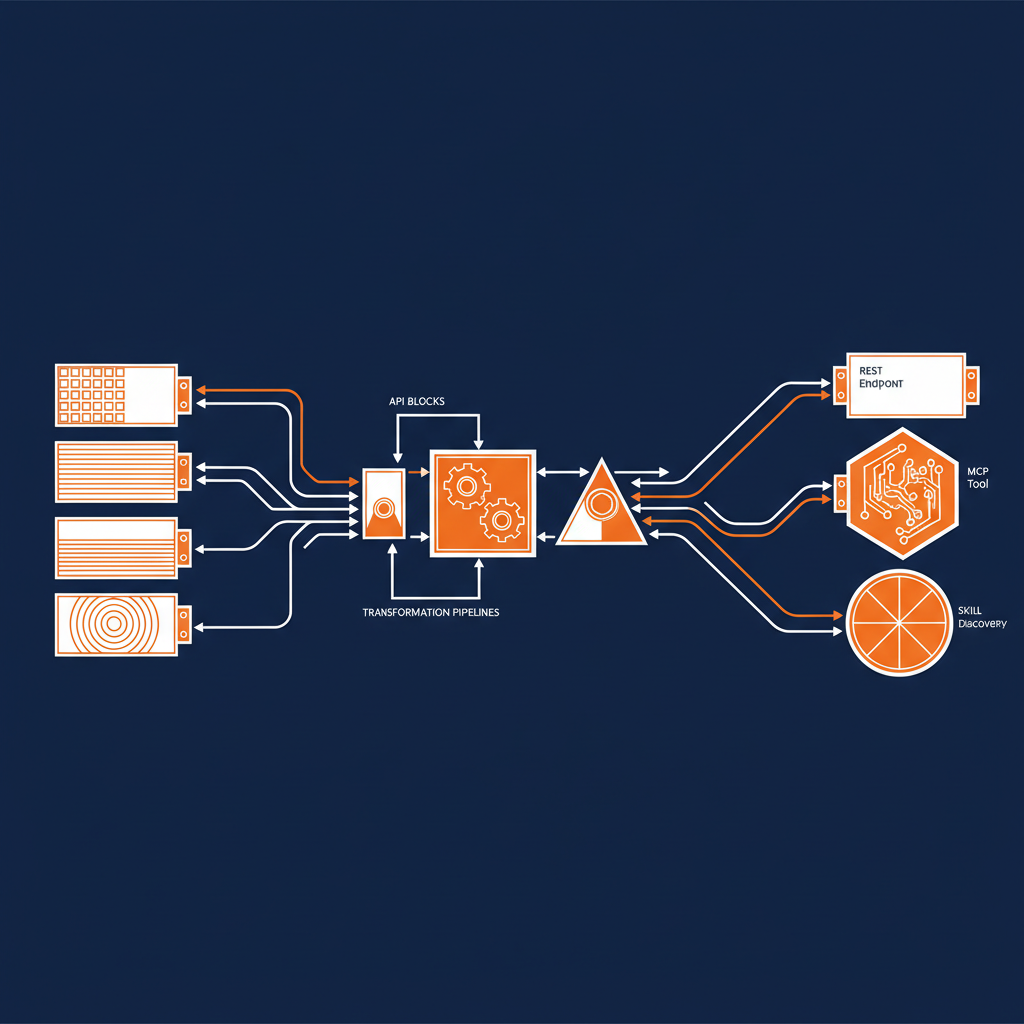
At Naftiko, we think about this through the lens of API integration — and the CLI-first shift with AI matters enormously for that work. APIs aren’t just documentation and endpoint specs anymore. They’re living contracts between systems that need to be understood, tested, implemented, and maintained continuously. When you have an AI collaborator that can hold the full context of an integration problem — the schema, the authentication flow, the edge cases, the error handling — working at the command line stops feeling like a step backward and starts feeling like the most direct path to the work.
The IDE was a tool built to help humans navigate the complexity of code. Claude Code in the CLI is something different: it reduces the complexity itself, making the terminal feel less like a constraint and more like the appropriate level of abstraction for the work.
What Comes Next
It’s early. The workflows are still forming. Some developers are running Claude Code in a terminal pane alongside their IDE, keeping the best of both worlds. Others are going all-in CLI. The ecosystem around conventions like CLAUDE.md and project-level AI context is still emerging.
But the direction feels clear. The question for developers and teams isn’t whether AI will change how we write code — it already has. The question is whether the interfaces we’ve built our workflows around will keep up, or whether the real work will migrate somewhere else entirely.
For a growing number of people, it already has.
What does your current AI-assisted workflow look like? We’d love to hear how teams are adapting — drop us a line or find us in the community.