

The Model Context Protocol has taken the developer tooling world by storm. But as adoption accelerates, a critical question is being overlooked: what exactly should go inside the context window?
Most conversations about MCP center on three things — tool design and scoping, OAuth 2.1 authorization, and transport mechanisms. These are important infrastructure concerns. But they skip past a more fundamental challenge: how do you compose the right context for what a developer is actually trying to accomplish?
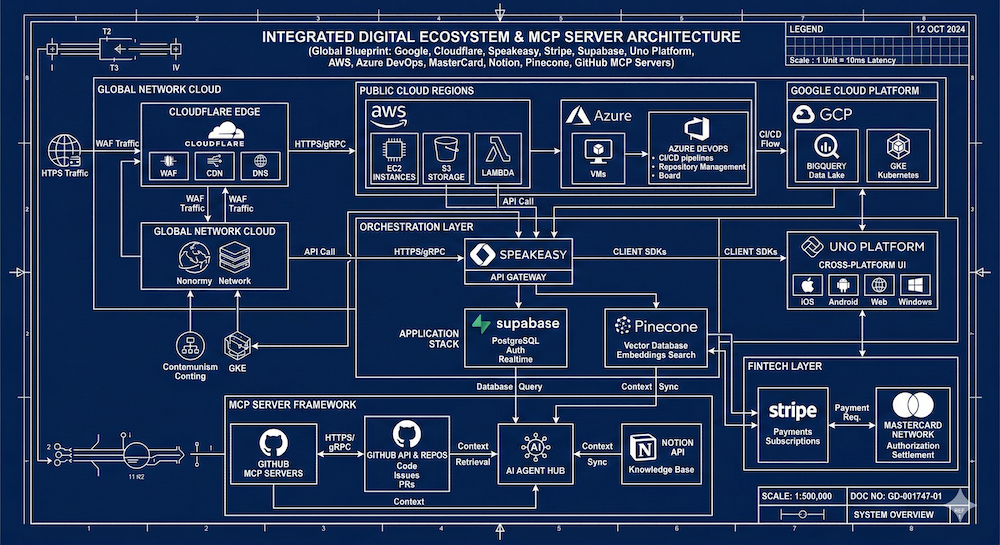
I've been diving into how major platforms are structuring their MCP servers, documentation strategies, and developer toolkits. After reviewing over a dozen implementations — from Google and AWS to MasterCard and Supabase — a set of patterns and gaps are becoming clear. Here's what I found.
The "Light Up Everything" Approach Doesn't Work
Google's Developer Knowledge MCP server is ambitious. It gives AI-powered development tools the ability to search across Google's entire official documentation corpus — Firebase, Google Cloud, Android, TensorFlow, Web Dev, and more. One big server. One big context window.
On the surface, that sounds useful. But as a developer, I don't care about TensorFlow when I'm debugging a Firebase auth issue. I want to pick and choose the context that's relevant to my current task. A massive, undifferentiated knowledge server creates noise where there should be signal.
Google does offer an interesting parallel structure — a REST API and RPC reference alongside the MCP — which gives developers multiple access patterns. But the granularity problem remains. When everything is available, nothing is focused.
Cloudflare Gets the Architecture Right
If one company has their finger on the pulse, it's Cloudflare. Their MCP documentation covers the big three conversations (tools, auth, transport), but then goes further into governance, discovery, and what they call "MCP server portals" — a concept that tackles how you find, scope, and safely consume MCP servers from both internal and third-party SaaS providers.
What really stands out is their product-specific MCP server structure. Rather than a single monolithic server, they break things into domain-aligned servers: a documentation server, workers bindings server, observability server, radar server, and the core Cloudflare API MCP server. Each maps to logical groupings — essentially OpenAPI tags translated into focused context windows.
This is the composable model I think the ecosystem needs. You grab the servers relevant to your work, plug them into your AI client, and you're running with precisely the context you need. No more, no less.
The Operational Layer Is Underserved
Across almost every implementation I reviewed, there's a consistent gap: operational context. Most MCP servers focus on the core API resources — CRUD operations on the primary product. That's table stakes. What's missing is everything else a developer needs to be productive.
Where's the MCP server for pricing and plans? For rate limits? For licensing and legal terms? For troubleshooting and debugging guides? For changelogs and what's new?
AWS comes closest to filling this gap with their Knowledge MCP server, which bundles documentation, code samples, regional availability, troubleshooting guidelines, and architectural guidance. But even they could go further. Regional availability alone is interesting enough to be its own dedicated context window — right alongside rate limits and plan details for the services you're consuming.
The developer lifecycle has distinct stages: learning, developing, deploying, troubleshooting, optimizing. The context a developer needs shifts dramatically across those stages. A one-size-fits-all MCP server doesn't serve any of them particularly well.
Business-Aligned Context Is Emerging
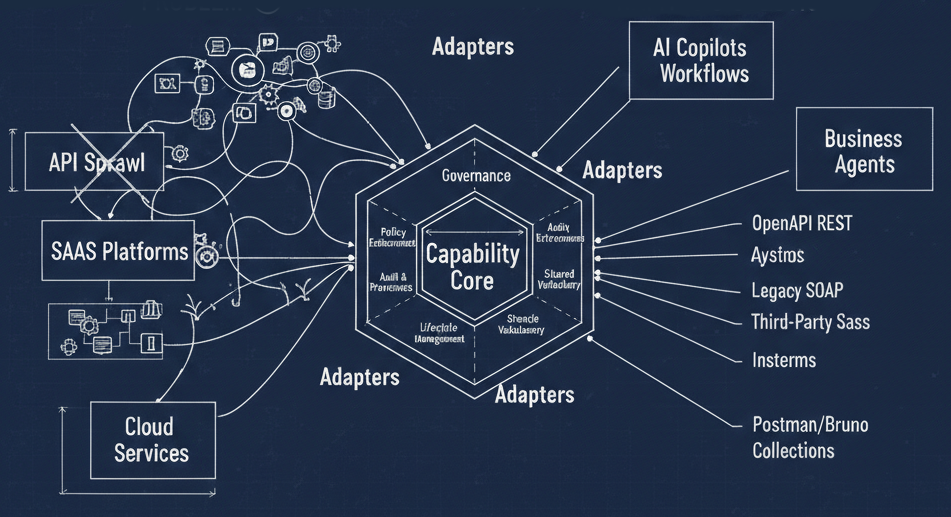
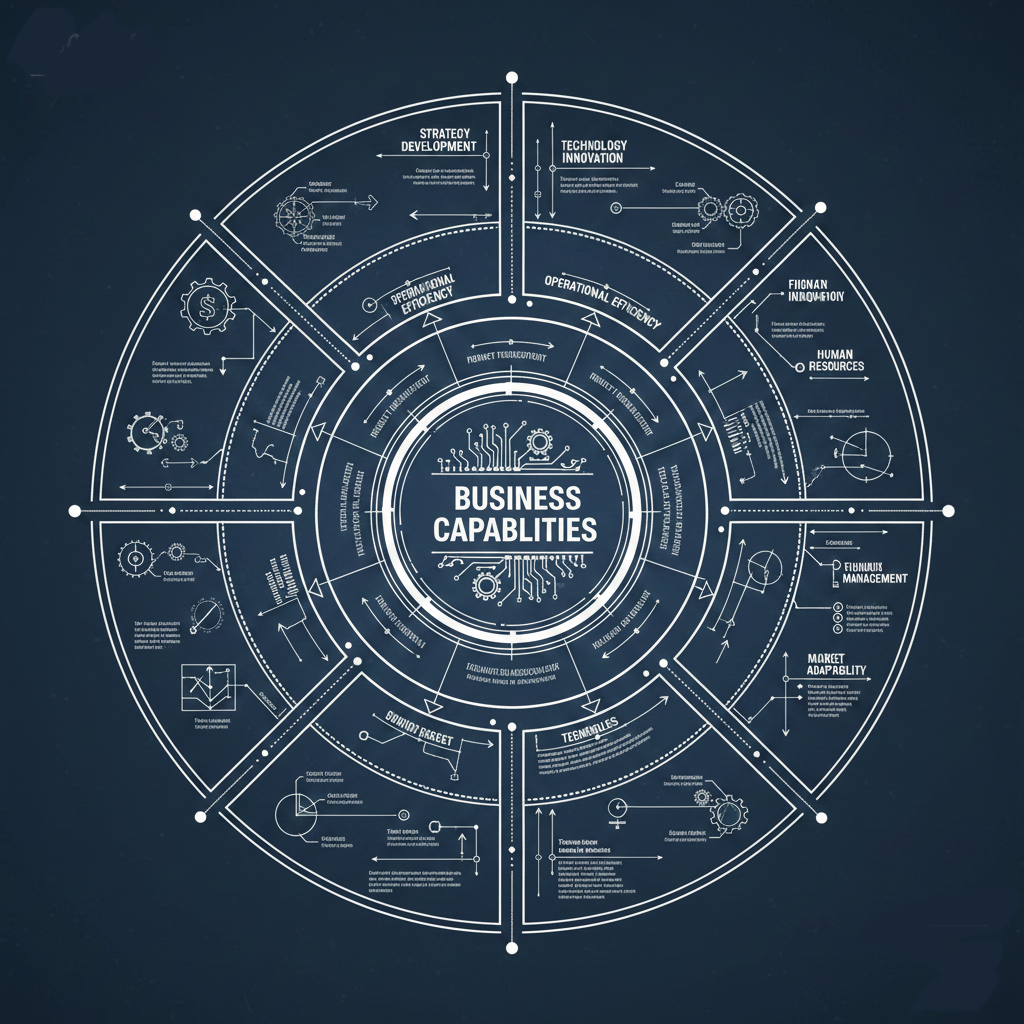
A few implementations are breaking out of the pure API-resource model into something more interesting: business capability alignment.
Stripe's billing agent for SaaS billing workflows is one example — it's centered on a business process, not just API endpoints. Azure DevOps takes this further with MCP-powered use cases for daily standup preparation, sprint planning, and code review workflows. These aren't just API wrappers. They're contextual tools built around what developers and teams are actually trying to accomplish.
MasterCard's Developer Agent Toolkit is another standout. It bundles documentation, code generation, service discovery, and integration guides into a coherent toolkit. The inclusion of discovery as a first-class concern is notable — finding what's available is as important as using what you've found.
This business-aligned approach resonates with domain-driven design principles. The capability, not the endpoint, becomes the organizing unit. Your MCP server or skill set should map to what you're trying to do, not just what API paths exist.
The Client Button Is the New "Run in Postman"
One emerging pattern worth watching: the proliferation of one-click install buttons for AI clients. Supabase, Stripe, MasterCard, and others now offer dedicated buttons for Claude, Cursor, VS Code, and other AI-powered environments. This is the spiritual successor to the "Run in Postman" button, but for AI context rather than API exploration.
There's a potential business just in this interaction pattern — a universal "load this context into your AI client" service that works across platforms and providers. The install experience matters. If I can't easily compose my context from multiple providers into my working environment, the granularity of individual MCP servers doesn't help much.
Docs as Markdown Is Becoming Standard
Nearly every platform I reviewed is converging on a pattern: offering documentation as markdown, optimized for LLM consumption. Stripe has their "copy for LLM" button. MasterCard has a similar markdown export. This is a response to the practical reality that AI tools consume documentation differently than humans do — fewer tokens, less formatting overhead, more structured content.
This is a dimension of the documentation conversation that's often treated as an afterthought, but it's becoming the default. The question isn't whether to offer LLM-optimized docs, but how to structure them for maximum utility within a context window. LLM.txt files are proliferating, but there's no consistency yet in what goes in them or how they're organized.
What I Want to See Next
Based on this research, here's what I think the ecosystem needs:
Composable, domain-aligned MCP servers — not one giant server per platform, but focused servers you can mix and match based on your current task. Generate them from OpenAPI tags. Let developers build their own context exoskeleton.
Dedicated operational context — pricing, rate limits, licensing, support resources, changelogs, and status information should be available as their own MCP servers or skill sets. Don't make me dig through docs sites for this.
Lifecycle-aware context — the context I need when learning a new API is different from what I need when debugging a production issue. MCP servers should acknowledge this and scope accordingly.
Universal context composition — a standard way to discover, select, and load MCP servers into any AI client. The one-click install buttons are a start, but we need something more flexible and user-driven.
Sustainable access models — if every AI tool is crawling documentation sites, we need better patterns for distributing this content. Bundled updates, common crawl equivalents for developer docs, or paid access tiers that acknowledge the value being extracted.
The MCP conversation has been dominated by plumbing — transport, auth, tool schemas. That work matters. But the real challenge is information architecture: what context do you provide, how do you scope it, and how do you let developers compose exactly what they need? The companies that figure this out will define what it means to have a great developer experience in the age of AI-assisted development.
This post is based on a live research session reviewing MCP implementations from Google, Cloudflare, Speakeasy, Stripe, Supabase, Uno Platform, AWS, Azure DevOps, MasterCard, Notion, Pinecone, GitHub, and Open Metadata.